For many people, a LinkedIn or work profile photo is the most-seen photo of them online. It appears next to every comment, message and application. It is shown as a small circle in search results and feeds, and larger on your profile page. A good corporate headshot is clear, current, well lit and looks like you on a good day at work.
This guide is general information written in our own words. We don't recommend particular photographers, studios or products, and we never quote prices: rates vary widely, so ask for written quotes.
The technical basics
LinkedIn Help states that profile photos must be between 400 × 400 pixels and 7680 × 4320 pixels, in PNG or JPG format, with a maximum file size of 8 MB. GIFs aren't supported. Background (banner) photos have their own recommended size of 1584 × 396 pixels. Because the profile photo is shown in a circle, a square image with your face centred and space around your head is easiest to work with.
Ask your photographer for a high-resolution square crop as well as the original frame. That way you can upload the square version to profiles that use circles, and keep a wider version for websites, speaker bios and print.
Framing
For profile photos, a head-and-shoulders crop usually works best. Your face should fill a good part of the frame, but leave a little room above your head and at the sides, so the circular crop doesn't cut off your hair or ears. Eyes about a third of the way down from the top tend to look balanced.
Background
A plain or softly blurred background keeps the focus on you. Mid-tone greys, soft blues and gentle neutral colours work well in small sizes. Busy office backgrounds, bookshelves and outdoor scenes can look cluttered when the photo is shrunk to a thumbnail. If your company uses a set background for staff photos, use the same for consistency.
Expression
Approachable and confident is the most common goal. A natural smile usually reads well, but the right expression depends on your industry and personality. A range of expressions during the shoot gives you options for different platforms.
Clothing
Dress as you would for an important meeting in your field, perhaps one step more polished. Solid colours that contrast with the background usually work best at small sizes. Our what to wear guide covers this in more detail.
Consistency across profiles
Using the same recent headshot across your work profiles, email signature and company website helps people recognise you. It also makes your online presence look tidy. If you work in a team, matching framing and backgrounds with colleagues looks professional on a website's people page.
Corporate headshots for your organisation
If your organisation is commissioning headshots, it's worth agreeing on:
- The background colour and style.
- Framing and crop, such as head and shoulders or half body.
- Dress guidance.
- How images will be delivered and named.
- Who owns copyright and how staff may use their images.
The Australian Copyright Council explains that for commissioned photos taken on or after 30 July 1998 for non-private purposes, the photographer generally owns copyright unless there is an agreement otherwise. If staff want to use their headshot on personal profiles or after they leave, make sure the licence allows that.
A note on AI headshot generators
Some apps generate a "headshot" from selfies. Results vary, and they may not look exactly like you. If people will meet you in person, or you need an accurate image, a real photograph is the safer choice. Read the terms of any app carefully to understand how it stores and uses your images.
Choosing between your best images
When you have several good images, pick the one where your eyes are sharp and your expression suits your audience. View each one at thumbnail size, because that's how most people will first see it. A photo that looks good at full size may be less clear when it's small. Ask a colleague which image they think looks most like you.
The background banner
LinkedIn's background photo sits behind your profile photo. LinkedIn Help recommends 1584 × 396 pixels. Keep important details away from the lower left on desktop, where your profile photo overlaps it. A simple image related to your work, or a branded image from your employer, can complement your headshot.
Email signatures and directories
Many organisations use headshots in email signatures and internal directories. Small, compressed versions work best here. Ask your photographer or web team for a web-ready version so emails don't carry a large image file.
Use the shoot planner
Our free shoot planner turns what you need the photo for into a simple brief, covering framing, background, expression, outfits and a list of what to bring. It runs entirely in your browser, and nothing you choose is sent anywhere. Use it to prepare before you contact photographers, or to plan a DIY session at home.
Where our information comes from
We base factual statements in our guides on official and expert sources, such as the Australian Copyright Council, the ACCC, the Office of the Australian Information Commissioner, the eSafety Commissioner, the Australian Passport Office and platform help pages, which we list at the end of each page. Practical tips are general and written in our own words. Rules and platform requirements change, so check the source links before relying on any detail.
A good headshot in one sentence
A good headshot is sharp on the eyes, evenly lit, simply framed, current, and shows you looking relaxed and like yourself on a good day. Everything else in this guide supports those few goals.
Questions worth asking yourself
Before any shoot, ask yourself: where will this photo be used, who will see it, what impression do I want to give, and how will I feel about it in two years? Your answers guide your choices about clothes, setting, expression and photographer, and help you brief the person behind the camera.
Common mistakes to avoid
Common headshot problems include out-of-date photos, cluttered backgrounds, cropped group photos, sunglasses, heavy filters and low-resolution files. Each one is easy to fix with a little planning. If your current photo has one of these issues, it may be time for a refresh.
A note on accessibility
If you have accessibility needs, tell the photographer when booking. Many studios can arrange step-free access, seating, extra time or a quieter session. A good photographer will adapt the shoot so you are comfortable and look your best.
Understanding light in a headshot
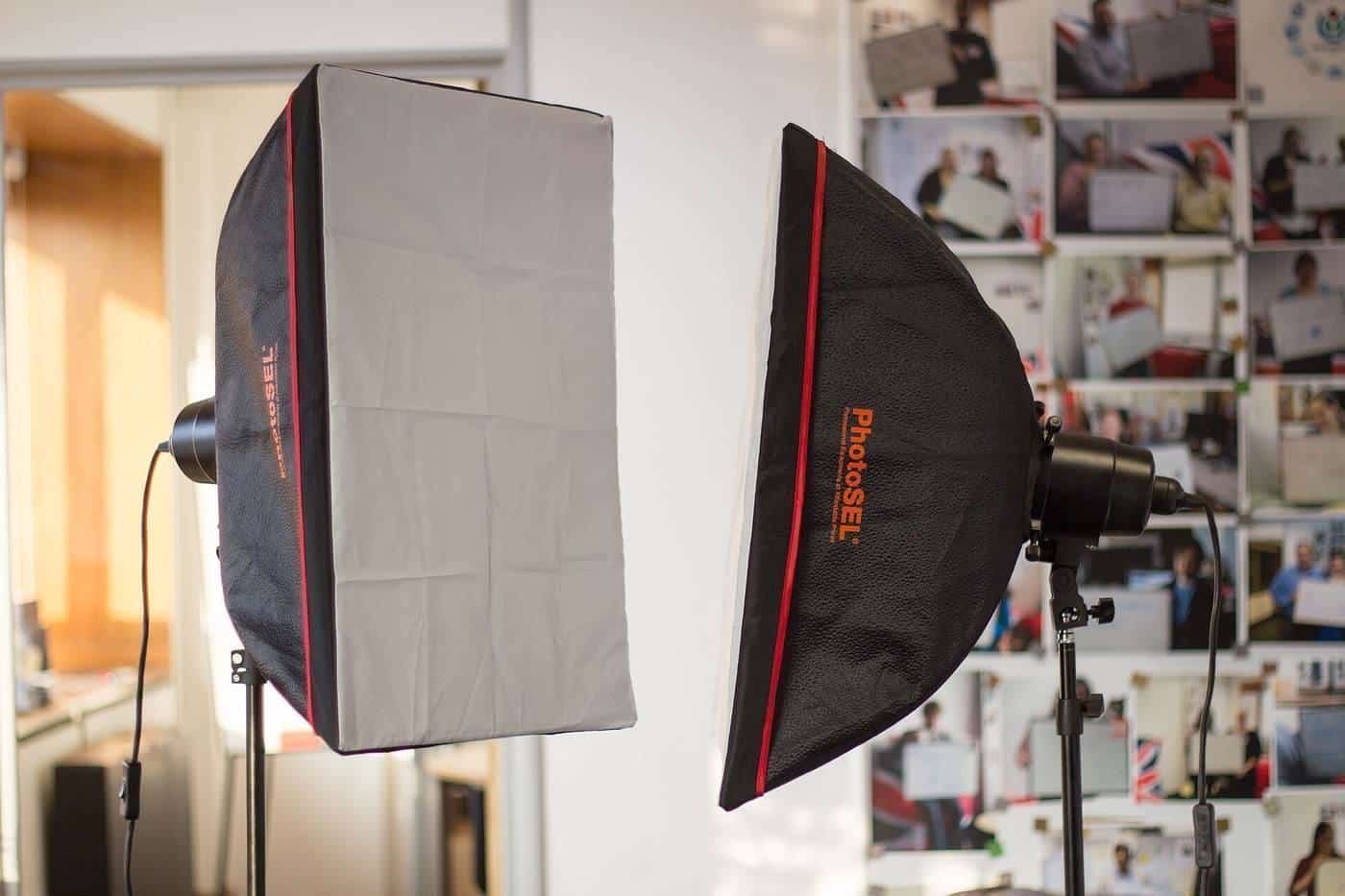
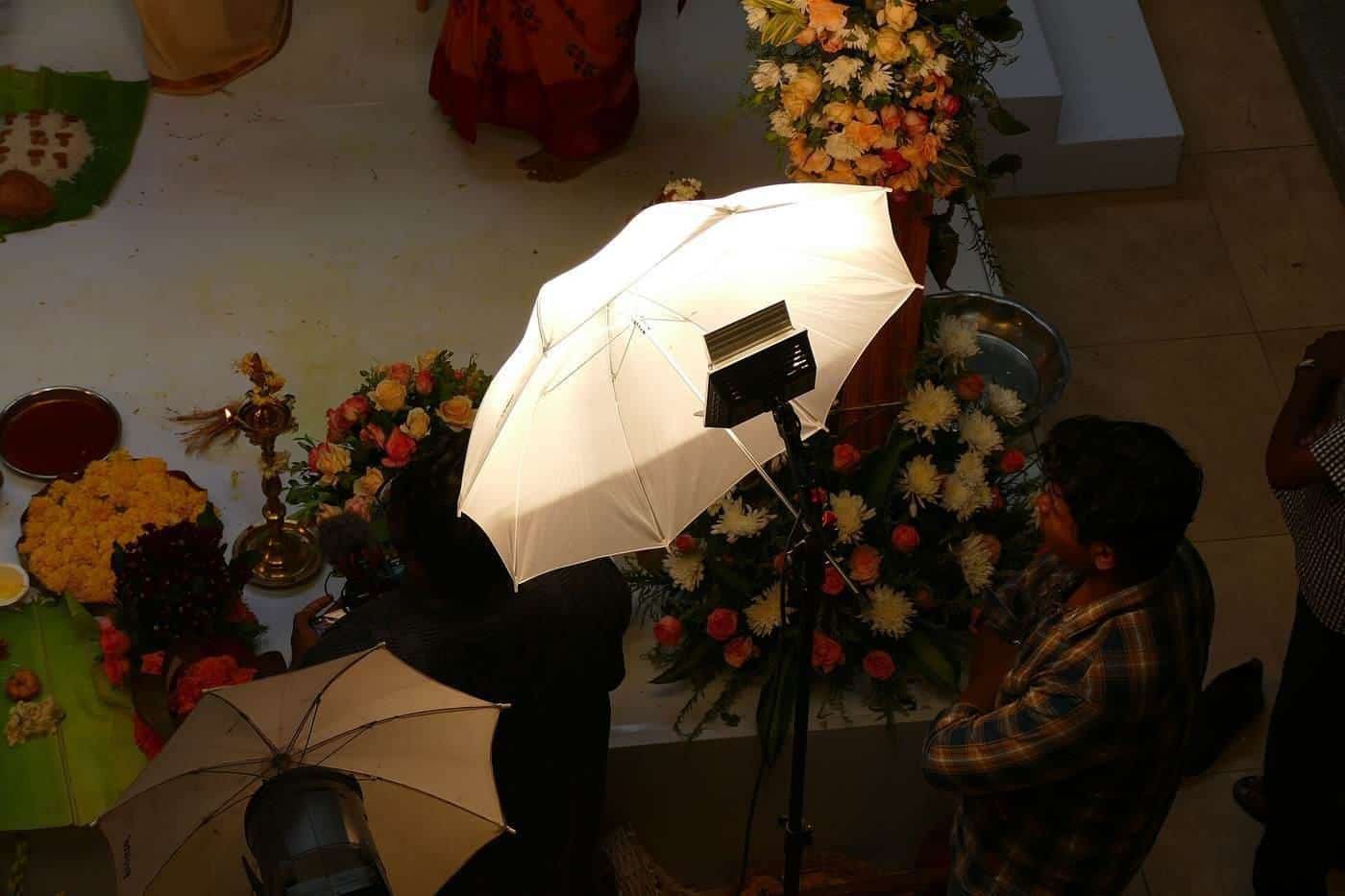
Photographers often talk about the key light, the main light on your face, and the fill, which softens the shadows it creates. A large, soft light source close to you produces gentle shadows; a small, hard source produces crisp ones. Many classic portrait setups, such as loop or Rembrandt lighting, are named after the shape of the shadow they leave beside the nose. You don't need to know the terms, but asking a photographer how they plan to light you is a good way to understand their style.
Choosing a background colour
Neutral greys suit almost everyone and almost every website. White can look clean and modern but may blend with pale clothing or hair. Dark backgrounds feel dramatic and suit some creative and performing fields. Brand colours can work for teams if they are not too saturated. If you are unsure, a mid-grey with a soft gradient is a safe, timeless choice.
File formats and sizes
Most headshots are delivered as JPG files, which are widely supported and compact. Ask for a full-resolution file for print and a smaller web version for quick uploads. Some photographers also provide square crops for profile photos. Keep the largest file you receive as your master copy, and make smaller versions from it as needed rather than repeatedly re-saving edited copies, which can reduce quality.
Key points
- LinkedIn profile photos must be 400 × 400 to 7680 × 4320 pixels, PNG or JPG, under 8 MB.
- Ask for a high-resolution square crop for circular profile frames.
- Plain, mid-tone backgrounds read best at small sizes.
- Agree on copyright and staff use for corporate shoots.
Frequently asked questions
What size should a LinkedIn photo be?
LinkedIn Help says profile photos must be between 400 × 400 and 7680 × 4320 pixels, PNG or JPG, and no more than 8 MB.
Should my profile photo be a selfie?
A well-lit, sharp phone photo can work, but a professional headshot usually looks more polished.
How often should I update it?
When your appearance changes noticeably, or your role changes. A current photo helps people recognise you.
Can I use my work headshot on my personal profile?
It depends on the licence the photographer gave and any arrangement with your employer. Check before reusing.
Sources and further reading
Facts on this page were checked against these primary and official sources. Conditions change — confirm before you travel or buy.
- Photo won't upload to your profile — LinkedIn Help
- Photography & Copyright (INFO011) — Australian Copyright Council